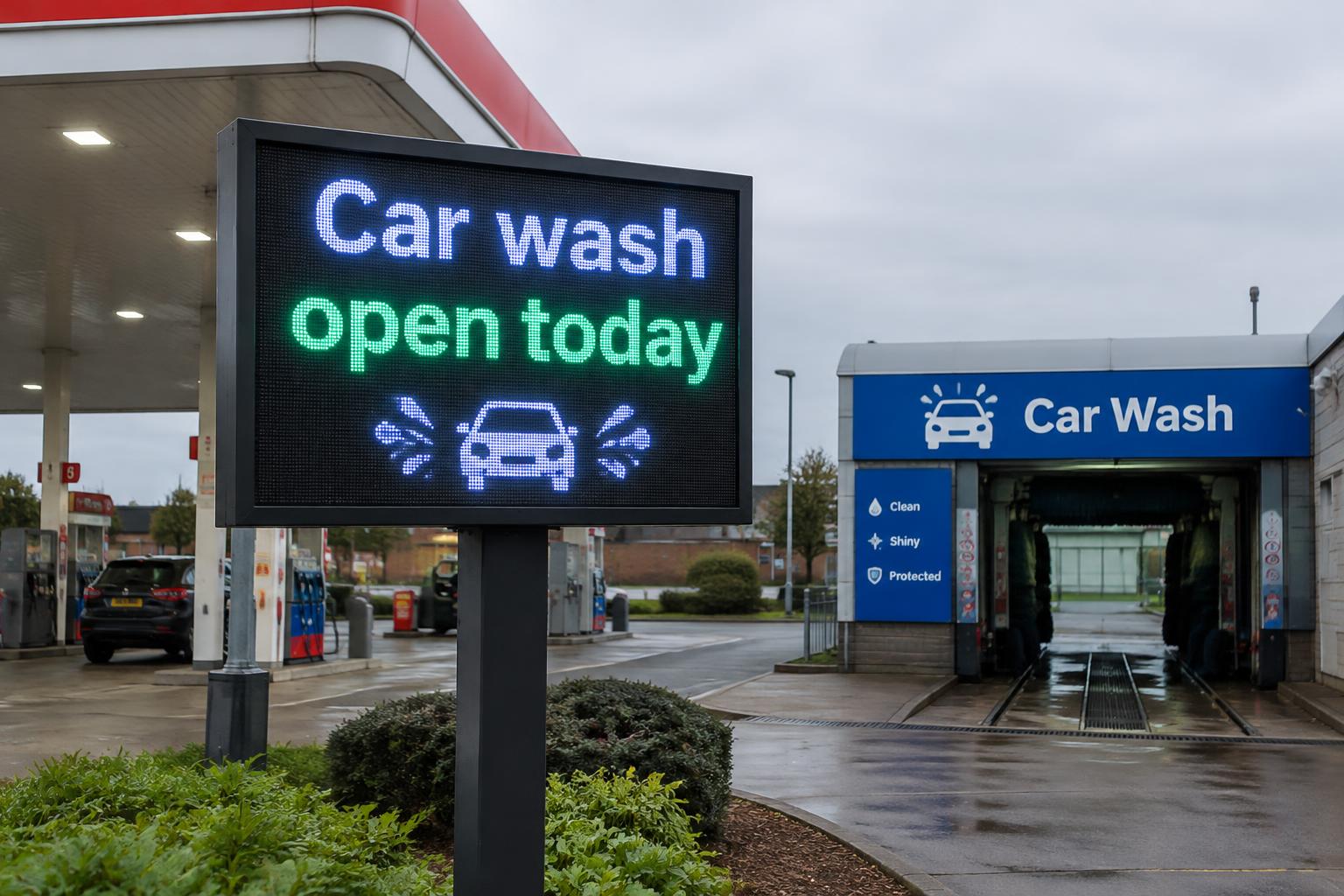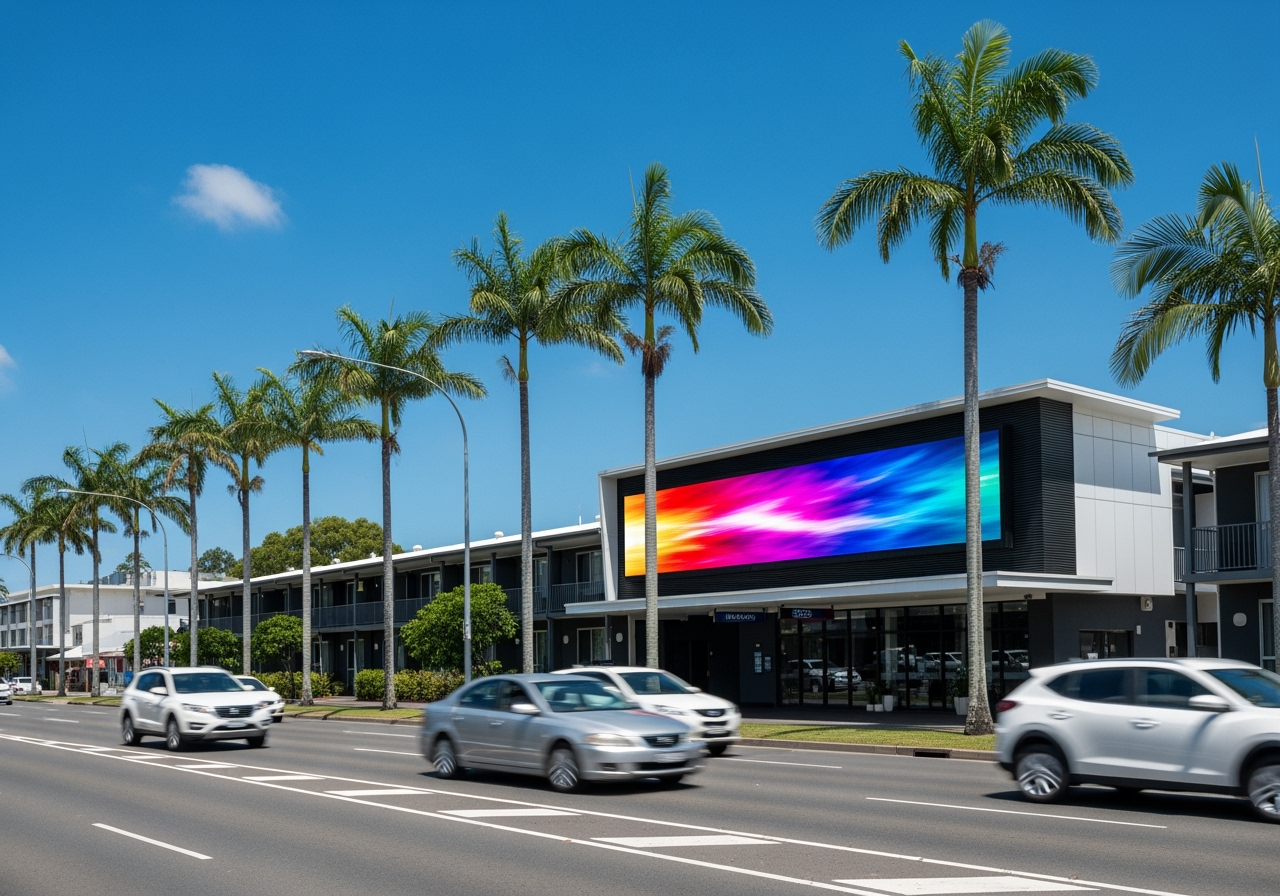
For a business considering LED signs, the purchase price is only one part of the decision. A practical question often comes next: how much electricity will the sign actually use, and what will it cost to run every month or year?
There is no single wattage or dollar figure that applies to every LED sign. Electricity consumption depends on the physical size of the display, the technology inside it, brightness, where it is installed, how many hours it operates, what content it displays and how its controls are configured. Manufacturer specifications demonstrate just how wide the range can be. Some commercial displays list separate maximum and typical power figures, with typical consumption substantially below the maximum electrical load.
That distinction matters. A large outdoor billboard designed to remain clearly visible in Queensland daylight has very different operating requirements from a small indoor screen in a reception area. Blink Digital itself offers customised displays ranging from compact indoor signage through to outdoor LED signs and larger billboards, so energy requirements need to be considered in the context of the individual project rather than estimated from screen size alone.
For Australian businesses, the electricity tariff is another part of the equation. Electricity bills can include fixed supply charges, usage charges, time-of-use rates and, for some businesses, demand charges. The Australian Government notes that electricity usage charges are expressed in cents per kilowatt-hour, while business tariffs can vary according to time, contract and location.
This guide focuses specifically on LED sign electricity consumption and operating expenses. Rather than looking at the broader return on investment or environmental case for LED signage, the goal is to give business owners a practical way to estimate running costs before requesting a quote.
At Blink Digital, we can help assess these factors as part of choosing and planning the right LED signage solution. Our team works across custom screen design, installation, maintenance and ongoing support, allowing us to consider not simply how a display looks, but how it will operate at your actual site.
What LED Sign Electricity Consumption Really Means
Before calculating LED sign running costs, it helps to separate three terms that are often confused: watts, kilowatts and kilowatt-hours.
A watt, or W, measures power at a particular moment. One thousand watts equals one kilowatt, or kW. A kilowatt-hour, or kWh, measures energy consumed over time. The Australian Government gives the example of a 2,400-watt appliance consuming 2.4 kWh if it operates for one hour. Electricity usage charges are normally expressed in cents per kWh.
For LED displays, specifications are frequently expressed in watts per square metre, written as W/m². That makes sense because LED signs are modular: increasing the display area generally means adding more LED modules, power supplies and supporting electronics.
The basic calculation is:
Screen power in kW = screen area in m² × average power consumption in W/m² ÷ 1,000
From there:
Daily electricity use in kWh = screen power in kW × operating hours per day
And:
Annual electricity cost = daily kWh × operating days per year × electricity rate per kWh
For example, imagine a 4 m² display averaging 250 W/m² during normal operation:
4 m² × 250 W/m² = 1,000 W, or 1 kW
If that sign operates for 12 hours:
1 kW × 12 hours = 12 kWh per day
At an illustrative electricity rate of 30 cents per kWh:
12 kWh × $0.30 = $3.60 per day
Over 365 days:
$3.60 × 365 = $1,314 per year
The 30 cents per kWh figure is deliberately an example rather than a claim about the tariff any particular Australian business pays. Energy.gov.au itself uses 30 c/kWh to illustrate how flat-rate electricity charges are calculated, and actual commercial rates need to be taken from the business’s own electricity plan.
Average power is not the same as maximum power
This is one of the most important concepts when comparing LED signage specifications.
An LED display may have a maximum power rating representing a high-load operating condition and a much lower typical or average power consumption during ordinary content playback. Samsung’s published specifications for one indoor commercial LED family, for example, show models with maximum consumption from roughly 580 to 770 W/m² while typical figures are around 193 to 258 W/m².
Blink Digital’s own product listings demonstrate the same principle. A shopfront digital signage specification currently lists average power consumption of 270 W/m², while another LED floor display lists 400 W/m² average consumption and 900 W/m² maximum consumption. Those figures relate to different products and should not be treated as universal benchmarks, but they illustrate why simply seeing a maximum wattage on a specification sheet can exaggerate expected day-to-day energy use.
At the other end of the market, newer energy-saving display architectures can be lower still. Absen cites typical consumption of 112 W/m² for one specialised high-efficiency product, while Unilumin lists approximately 217 W/m² average and 650 W/m² maximum for one high-brightness outdoor display configuration. Again, these are product-specific manufacturer figures rather than a promise of what every screen will achieve.
The practical lesson is simple: do not calculate annual LED sign electricity consumption from maximum wattage alone unless you are intentionally modelling a worst-case scenario.
Maximum demand is important for electrical design and can also matter where a commercial electricity tariff includes a demand component. But for estimating normal energy expenditure, a credible average or typical power figure is generally more informative.
Blink Digital can help businesses review the relevant product specification in the context of screen size, operating hours, brightness and site conditions rather than relying on one headline number. Blink Digital’s broader service offering includes consultation, customised LED screens, installation and maintenance, which allows those considerations to be addressed as part of an end-to-end project.
What Affects How Much Electricity LED Signs Use?
The physical screen is only the starting point. Two LED signs of similar dimensions can have different electricity consumption because their operating conditions are different.
Understanding these variables is particularly important for a business comparing quotes. A cheaper display with higher average consumption can potentially cost more to operate over many years, while a high-efficiency system may justify a higher initial price where operating hours are extensive.
Screen size is the most obvious factor. If two displays use the same technology and operate at comparable brightness and content settings, the larger display will generally require more power because there are more LED modules operating. This is why manufacturers commonly specify power consumption per square metre rather than only providing a total figure. Samsung, Blink Digital and Unilumin product specifications all use or provide W/m² figures for this purpose.
For example, at an assumed average consumption of 270 W/m², a 2 m² display would represent approximately 540 W of average screen load, while a 10 m² display would represent approximately 2.7 kW before allowing for any additional equipment. Those figures are simply mathematical examples using Blink Digital’s published 270 W/m² shopfront-display specification; a real project should use the specification of the actual screen being considered.
Brightness can have a major effect. Outdoor LED signs need enough luminance to compete with bright ambient daylight. Blink Digital’s outdoor signage information specifically highlights high brightness for visibility in direct sunlight, while indoor displays operate in much more controlled lighting conditions.
This is one reason outdoor LED sign power usage cannot be estimated by simply copying the figures from an indoor display. One current Unilumin outdoor product, for example, is specified at 7,500 nits with 217 W/m² average consumption and 650 W/m² maximum consumption. Samsung’s indoor IF-series examples span much lower brightness levels depending on model while still showing substantial differences between typical and maximum consumption.
The good news is that an outdoor sign does not need full daytime brightness at every hour of the day. Modern LED control hardware can use ambient-light sensors to modify brightness automatically. NovaStar, a manufacturer of LED display control systems, provides controllers capable of monitoring ambient light and automatically adjusting screen brightness, while its current control equipment also includes intelligent ambient-light sensing functions.
That can improve visual performance as well as efficiency. A setting suitable for strong afternoon sun may be unnecessarily bright after sunset. Correct brightness control therefore means using the level required for the conditions rather than treating maximum brightness as the default operating mode.
Operating hours have an equally direct impact on running cost. A sign that operates for 12 hours consumes half as many operating-hours as an identical sign running 24 hours, assuming the same average load while active. Manufacturers such as Daktronics specifically recommend scheduling displays to blank during periods when they are not required as a way to reduce energy consumption.
This can make operating schedules one of the easiest ways to control LED sign running costs. A retailer might want a screen active from before opening until after evening trade, while a 24-hour service station may have a genuine reason for continuous operation. A school, office, warehouse or medical practice may have little need for high-brightness promotional content in the early hours of the morning.
Blink Digital can help match the operating schedule to the actual audience. The company’s signage services include consulting and installation, while its outdoor signage platform supports scheduled messaging as part of content management.
Content can also influence electricity use. Unlike a fixed illuminated panel, a direct-view LED screen generates an image through individual light-emitting pixels, meaning the electrical load can vary with what is being displayed and how the screen electronics manage it. Absen describes black-screen energy-saving technology that reduces power output where portions of a screen are not displaying content, while Daktronics’ display-control documentation includes content-dimming functions designed to conserve power.
This does not mean businesses should design dull advertising purely to save electricity. The purpose of the screen is still to communicate effectively. It does mean that permanent full-screen maximum-brightness white content is not necessarily the most efficient way to achieve visibility. Well-designed content can combine visual impact, contrast and readability without unnecessarily driving every part of the display at its highest output.
The display architecture matters as well. Modern systems increasingly use technologies such as common-cathode drive designs and dynamic power management. Unilumin explains that common-cathode systems can supply more appropriate voltages to different LED colours, reducing wasted power and heat compared with traditional common-anode designs. Absen has reported a roughly 10–20 per cent energy reduction for common-cathode displays compared with conventional products under comparable conditions, although the exact saving depends on the equipment and use case.
That is an important reason to look beyond the words “LED sign” on a quotation. LED signage is a product category, not one standard electrical specification.
Indoor and Outdoor LED Sign Power Usage
Businesses frequently ask whether outdoor LED signs cost significantly more to operate than indoor displays. In many cases an outdoor installation can require more power per square metre because it needs to produce enough brightness to remain readable against daylight, but the answer still depends on the individual products being compared.
An indoor screen benefits from a controlled environment. It might be placed in a shopping centre, showroom, reception area, restaurant, corporate office or entertainment venue where ambient lighting is relatively predictable. It therefore does not normally need to compete with full Queensland sunlight.
An outdoor screen may face direct sun, changing cloud conditions and substantial changes in ambient light from day to night. Blink Digital’s outdoor LED signage range is designed specifically around the visibility requirements of outdoor environments and includes digital displays and billboards that can present text, graphics and video.
The difference can be seen in manufacturer specifications, although different product families should never be treated as an exact like-for-like comparison. Samsung’s published indoor IF-series examples include typical consumption around 193–258 W/m² depending on model. Unilumin lists 217 W/m² average for one 7,500-nit outdoor product. Blink Digital’s own shopfront P10 display lists 270 W/m² average consumption.
Those figures also demonstrate something useful: “outdoor” does not automatically mean an enormous electricity bill. Modern technology and brightness controls can keep average consumption well below maximum rated demand.
The much more useful question is:
How many watts per square metre will this particular display average under the brightness profile, content and operating hours planned for this particular site?
That is the question Blink Digital can help businesses answer when planning a customised solution.
Another consideration is that indoor signage can sometimes run for very long hours. A display in an airport, hotel, entertainment venue, control centre or 24-hour retail environment may operate almost continuously. In that case, lower power consumption per square metre can still add up over the year.
Conversely, a bright outdoor sign operating only during business and evening hours may consume fewer annual kilowatt-hours than expected because it is switched off or blanked overnight.
The distinction between power and energy is therefore essential. A high-powered screen that operates for limited hours may use less annual electricity than a lower-powered screen operating around the clock.
For customers considering energy efficient LED signs, Blink Digital’s approach can include both sides of that equation: selecting suitable hardware and configuring the way it is used. The company provides custom screens, digital signage installation, consulting, maintenance and support across Brisbane and other Australian markets.
How to Calculate LED Sign Running Costs in Australia
Once you have the average power figure, calculating an approximate electricity cost is straightforward.
Start with:
Area × average W/m² ÷ 1,000 = average kW
Then:
Average kW × operating hours = kWh used
Finally:
kWh × electricity rate = electricity cost
The Australian Government confirms that an electricity usage charge is normally shown as cents per kWh, while the daily supply charge is a separate fixed charge for maintaining electricity supply to the premises.
That separation is useful when estimating the incremental cost of a new sign. If the business already pays the daily supply charge whether or not the LED sign exists, the additional running cost of the sign is primarily associated with the extra electricity it consumes, although other tariff elements may also matter.
An illustrative Blink Digital calculation
Blink Digital currently publishes a shopfront digital signage specification with a display area of 5.38 m² and average power consumption of 270 W/m².
Using that published specification purely as an illustrative calculation:
5.38 m² × 270 W/m² = 1,452.6 W
That is approximately:
1.453 kW average operating power
If it operates for 14 hours per day:
1.453 kW × 14 = approximately 20.34 kWh per day
Across 365 days:
20.34 × 365 = approximately 7,423 kWh per year
Using a purely illustrative 30 c/kWh electricity rate:
7,423 × $0.30 = approximately $2,227 per year
Energy.gov.au also uses 30 c/kWh as a simple example when explaining electricity pricing; it should not be interpreted as Blink Digital’s prediction of a customer’s actual electricity tariff.
The same screen’s estimated energy cost changes noticeably when the tariff changes:
| Illustrative electricity usage rate | Approximate annual energy cost |
|---|---|
| 25 c/kWh | $1,856 |
| 30 c/kWh | $2,227 |
| 35 c/kWh | $2,598 |
| 40 c/kWh | $2,969 |
These figures use the same 5.38 m² screen area, 270 W/m² average consumption and 14-hour daily schedule throughout. They exclude fixed supply charges, demand charges and other site-specific billing components.
That sensitivity analysis is why businesses should use the rate shown on their own electricity bill rather than a generic national “average”.
Australian electricity plans are not all simple flat rates
A straightforward cents-per-kWh calculation works well as a first estimate, but business electricity pricing can be more complicated.
The Australian Government identifies flat-rate, block and time-of-use structures, while some electricity plans also include demand charges. Block tariffs can charge different rates at different consumption levels, and time-of-use tariffs change the price depending on when the electricity is consumed.
This matters for a sign that operates during long business hours. If your plan charges different rates during peak, shoulder and off-peak periods, one simple rate may not accurately represent the full cost.
For Queensland small businesses, the Australian Energy Regulator’s Energy Made Easy service allows eligible customers to compare electricity plans, and the service covers Queensland as well as several other Australian jurisdictions.
Businesses should also check whether their account includes a demand charge. Demand is measured differently from energy consumption: it concerns how intensely electricity is being drawn at a point in time. Energy Made Easy explains that demand charges can be based on the highest demand or an average of peak demand over a specified period, depending on the plan.
Australian Government business guidance notes that demand charges for businesses are often calculated using the highest half-hour interval over a period such as a month.
Imagine, for example, that a site already has large air-conditioning, refrigeration, workshop equipment or machinery operating at the same time as a substantial LED screen. The screen’s contribution to the site’s highest simultaneous load could potentially matter to a demand-based electricity bill even if its annual kWh consumption appears reasonable.
This is why a serious assessment of outdoor LED sign power usage should consider both average electricity consumption and maximum electrical demand where the site’s tariff makes that relevant.
For larger projects, Blink Digital can help identify the display’s relevant power specifications and installation requirements so that the business and its electrical professionals can assess them against the site’s existing electrical infrastructure. Blink Digital’s installation service includes site assessment, wiring and final display setup.
Practical Australian LED Sign Running-Cost Examples
Because every LED sign is different, worked scenarios are more useful than claiming one universal “average”.
The following examples are estimates designed to demonstrate the method. They use an illustrative electricity usage rate of 30 c/kWh, consistent with the calculation example used by Energy.gov.au, rather than claiming that 30 c/kWh represents every Australian commercial tariff.
| Example | Assumed average load | Operating schedule | Annual electricity | Approx. annual cost at 30 c/kWh |
|---|---|---|---|---|
| Small indoor display, 3 m² at 200 W/m² | 0.60 kW | 12 hours/day | 2,628 kWh | $788 |
| Medium outdoor display, 6 m² at 270 W/m² | 1.62 kW | 14 hours/day | 8,278 kWh | $2,483 |
| 5.38 m² Blink Digital shopfront-spec example at 270 W/m² | 1.45 kW | 14 hours/day | 7,423 kWh | $2,227 |
| Larger display, 12 m² at 217 W/m² | 2.60 kW | 16 hours/day | 15,207 kWh | $4,562 |
The 270 W/m² assumption is grounded in Blink Digital’s current shopfront display listing, while the 217 W/m² figure corresponds to one current high-brightness Unilumin product. The 200 W/m² figure is simply a rounded illustrative assumption consistent with the order of magnitude seen in commercial indoor LED specifications and should not be taken as a product quote.
These examples show why asking “How much electricity do LED signs use?” without specifying screen size and use case is a little like asking how much fuel a vehicle uses without saying whether it is a small hatchback or a delivery truck.
The technology category tells you something, but the configuration determines the actual result.
Why operating hours can make such a big difference
Consider the hypothetical 6 m² display at 270 W/m².
Its assumed average load is:
6 × 270 W = 1.62 kW
At 24-hour operation, that would amount to approximately:
14,191 kWh per year
At 30 c/kWh, that is approximately:
$4,257 per year
Operate the same display for 14 hours rather than 24 hours and the calculation falls to approximately:
8,278 kWh and $2,483 per year
That is a difference of about $1,774 per year in this example, achieved without changing the sign hardware at all.
Manufacturers recognise this opportunity. Daktronics advises scheduling displays to blank when they are not required as a method of reducing energy consumption.
For many businesses, the best operating schedule will not simply match opening hours. A roadside shop might benefit from advertising to morning commuters before opening or continuing promotions for a period after closing. A school may primarily need its entrance sign during drop-off, school hours, afternoon collection and scheduled events. A hotel or service station may need much longer coverage.
Blink Digital can help businesses plan around that real audience instead of automatically leaving a sign at the same operating level 24 hours a day.
Why the same sign may not use the same amount every day
Real-world energy consumption is dynamic.
A bright sunny day may require stronger output from an outdoor display than an overcast afternoon or evening. The content loop may change. Seasonal trading hours may alter the schedule. Some displays may spend time showing dark content, while others are dominated by bright graphics.
Automatic brightness equipment exists specifically to respond to changing ambient-light levels. NovaStar’s commercial controllers and light-sensor interfaces support automatic screen-brightness adjustment based on ambient conditions.
Modern energy-saving display technologies can also change consumption according to content. Absen describes systems that reduce power output when screen areas are black, while newer display architectures use dynamic energy management rather than drawing a fixed maximum load continuously.
For that reason, the most accurate estimate is based on a realistic average operating profile, not simply maximum brightness multiplied by 24 hours.
How to Reduce LED Sign Running Costs Without Sacrificing Visibility
The aim of energy management should not be to make a sign so dim or inactive that it stops doing its job. The objective is to avoid consuming electricity that provides little additional business value.
There are several practical ways to achieve that.
Start with the right screen rather than trying to correct an inefficient specification later. Screen size should be appropriate for the intended viewing distance and site, while resolution, brightness and product architecture should match the application. Blink Digital offers customised LED screens and consulting rather than limiting customers to a single standard format, allowing the screen to be designed around the location and audience.
Overspecification can have consequences beyond purchase price. A business does not necessarily need the highest possible pixel density or brightness simply because a higher number is available. Blink Digital’s existing guidance on pixel pitch also emphasises matching display resolution to viewing distance rather than paying for unnecessary resolution.
Use automatic brightness adjustment wherever appropriate. Modern display controllers can monitor ambient light and modify screen brightness automatically. This is particularly valuable outdoors, where daytime visibility and night-time visibility require very different output levels.
Automatic control also removes reliance on somebody remembering to change the setting manually each evening. It creates a repeatable brightness profile that responds to environmental conditions.
Schedule the screen around useful viewing hours. Every hour removed from an unnecessary operating period reduces kWh consumption. Daktronics specifically recommends blanking displays during non-use periods to reduce energy consumption, and Australian Government energy-management guidance recommends automatic timers as one method of reducing energy use during peak periods.
For an LED sign outside a business that closes at 5 pm, switching it off at exactly 5 pm may not necessarily be the right marketing decision. There could still be valuable passing traffic in the evening. But running it at full advertising brightness at 3 am may provide little benefit at many locations. The schedule should be based on audience behaviour.
Think about content efficiency as well as content design. LED display power can vary with content, particularly in systems that actively reduce power for dark pixels or scenes. Absen’s black-screen energy-saving technology is one example of how content-dependent power management works.
Dark backgrounds, high contrast and selective bright elements can also be visually effective. The purpose is not to turn every advertisement black; it is to recognise that maximum full-screen output is not the only way to create attention.
Compare average W/m² when evaluating hardware. Energy-efficient architectures increasingly include common-cathode drive systems and other power-management technologies. Unilumin describes common-cathode technology as a way of matching electrical supply more closely to the requirements of different LED colours, reducing unnecessary power loss and heat.
Absen reports that common-cathode designs can produce energy savings compared with conventional architectures under similar conditions, although performance varies by product and application.
This gives businesses another useful question to ask during purchasing: what is the expected average W/m², not just the maximum?
A useful quotation comparison could include:
| Question to ask | Why it matters |
|---|---|
| What is the display’s typical or average W/m²? | Helps estimate real-world annual kWh consumption |
| What is the maximum W/m²? | Helps with electrical planning and worst-case demand |
| What brightness will the screen actually operate at? | Maximum brightness may not represent normal use |
| Is automatic ambient-light dimming available? | Can prevent unnecessary high brightness |
| Can operating hours be scheduled? | Avoids paying for unnecessary overnight operation |
| Does content affect power consumption? | Relevant to dynamic energy-management systems |
| What controller and supporting equipment are included? | The display is not always the only electrical load |
| Could the sign affect a demand-based electricity tariff? | Important for some commercial sites |
| What will the estimated kWh consumption be under our proposed schedule? | Converts specifications into an operating budget |
The distinction between typical and maximum consumption is supported by commercial display specifications from manufacturers such as Samsung and Unilumin as well as Blink Digital’s own current product data.
Consider the electricity tariff too. Reducing kWh is one way to control cost; understanding when those kWh are consumed can also matter where a business has time-of-use pricing. Australian electricity plans can have peak, shoulder and off-peak components, while demand charges can add another cost dimension.
For sites with rooftop solar, daytime LED signage may also overlap with on-site generation. The Australian Government explains that every kWh of solar electricity self-consumed by a home or business is one less kWh that must be purchased from the electricity retailer, subject to the site’s generation and load profile.
Solar does not make the LED sign itself use less electricity, so it should not be confused with efficiency. It can, however, change how much electricity the business needs to buy from the grid while the sign is operating.
Keep the system properly maintained. Blink Digital provides maintenance and support alongside installation and states that its technicians perform checks, troubleshooting and repairs to support long-term screen performance.
Maintenance should not be sold as a magic way to halve electricity consumption; the much stronger reason is to keep the display operating correctly, identify faulty components and maintain intended performance. From an operating-cost perspective, reliable equipment also gives the business better confidence that its energy controls, brightness settings and scheduled operation continue to function as intended.
What Businesses Should Know Before Requesting an LED Sign Quote
So, how much electricity do LED signs use?
The most accurate answer is: enough that electricity should be included in the purchasing decision, but not so predictably that one universal running-cost figure is useful.
Published commercial LED specifications illustrate typical or average consumption ranging from around the low hundreds of watts per square metre into several hundred W/m², with maximum ratings potentially much higher. Product design, brightness, screen area, content and controls can all change the actual result substantially.
That means an energy efficient LED sign is not simply one carrying the word “LED” in its product description. A genuinely efficient installation combines suitable hardware with sensible sizing, appropriate brightness, smart controls and an operating schedule that reflects when the audience is actually present.
For business owners, the key figure to request is the estimated average operating consumption in watts or W/m² under realistic conditions. Once that is available, converting it into an annual cost is straightforward:
Average kW × operating hours × operating days × your electricity rate = estimated energy cost
Then check whether your electricity plan also includes time-of-use or demand charges that could affect the calculation. Australian Government energy guidance confirms that business energy costs can vary with contract, location, time of use and peak demand.
Frequently asked questions about LED sign electricity consumption
Do LED signs use a lot of electricity?
It depends on the sign. A compact indoor screen can represent a relatively modest electrical load, whereas a large high-brightness outdoor billboard will naturally consume considerably more energy. Manufacturer specifications show major differences between products, particularly between typical and maximum consumption.
The best way to answer the question is to calculate the display area, expected average W/m² and operating hours rather than relying on a generic figure.
How many watts does an LED sign use per square metre?
There is no standard wattage that applies to all products. As real examples, Blink Digital currently lists 270 W/m² average consumption for one shopfront display and 400 W/m² average for another LED floor display, while Samsung commercial indoor LED models in one published series list typical consumption around 193–258 W/m². A current Unilumin high-brightness outdoor example lists approximately 217 W/m² average.
Those examples should be used to understand the range, not as specifications for a product that has not yet been selected.
Do outdoor LED signs use more electricity?
They often need higher brightness because they must remain readable in bright ambient light, which can increase power requirements. Blink Digital’s outdoor display guidance specifically identifies daylight visibility as a core requirement of exterior LED signage.
However, modern outdoor displays can use automatic brightness adjustment and more efficient drive technologies, so outdoor installation alone does not determine the final running cost.
Does dimming an LED sign reduce electricity consumption?
Reducing actual power demand reduces electricity consumption, and commercial LED platforms include brightness and content-dimming functions specifically associated with energy management. NovaStar supports ambient-light-based automatic brightness adjustment, while Daktronics provides content-dimming controls intended to conserve power.
The exact saving from moving from one brightness percentage to another should be measured or obtained from the specific product manufacturer rather than assuming a universal percentage reduction.
Does displaying black content save power?
It can on LED systems whose power architecture supports content-dependent energy saving. Absen describes technology that monitors displayed content and reduces output in areas that are not showing content.
How large that saving is will depend on the display architecture, controller, content and settings, so it should not be treated as the same across every screen.
Should an LED sign be switched off overnight?
That depends on whether the sign still has a useful audience overnight. From a purely electrical perspective, eliminating unnecessary operating hours reduces annual kWh consumption. Daktronics recommends scheduled blanking during periods of non-use as an energy-saving measure.
From a business perspective, Blink Digital recommends thinking about the site, audience and purpose rather than applying the same schedule to every business. A 24-hour venue has different needs from a school or nine-to-five commercial office.
How can I estimate the electricity cost before buying?
Ask for the display area and realistic average W/m², decide how many hours per day you expect it to operate, then use your own electricity usage rate.
For example:
6 m² × 270 W/m² ÷ 1,000 = 1.62 kW
1.62 kW × 14 hours = 22.68 kWh/day
22.68 kWh × $0.30 = $6.80/day
That equals approximately $2,483 per year at 30 c/kWh.
The 270 W/m² assumption is based on one current Blink Digital shopfront display specification, while 30 c/kWh is an illustrative rate used here because Energy.gov.au uses the same figure when explaining electricity-cost calculations. Your actual screen and electricity rate may be materially different.
Talk to Blink Digital about LED sign power requirements and running costs
Electricity should be part of the conversation when choosing LED signs, but it should be considered alongside visibility, viewing distance, screen size, brightness, location, content requirements and the hours your audience is actually present.
A specification that looks impressive on paper does not necessarily provide the best result for your site. The most powerful screen is not automatically the best screen, and the lowest maximum wattage does not automatically make a display the best commercial choice. What matters is selecting equipment that can deliver the visibility your business needs while operating sensibly over the long term.
Blink Digital can help you work through that decision.
Based in Brisbane and servicing customers across Australia, Blink Digital provides customised LED signage together with consultation, digital signage installation, maintenance and ongoing support. Its current range includes outdoor and indoor LED signs, mobile displays, large billboards, shop signage, entrance signs, scoreboards, transparent LED signage and other customised display formats.
For a proposed project, we can help you consider the screen dimensions, expected operating environment, brightness requirements, suitable controls and power specifications before installation. That gives you a much more useful picture of likely LED sign electricity consumption than simply multiplying a maximum wattage by 24 hours.
Blink Digital’s installation service also covers site assessment, positioning, wiring and calibration, while its maintenance and support offering is designed to support the long-term performance of installed screens.
Whether you are planning a compact shopfront screen, a school or church sign, an outdoor roadside display or a larger commercial LED billboard, understanding LED sign running costs before installation makes budgeting easier and allows energy efficiency to become part of the specification rather than an afterthought.
Contact Blink Digital for more information and assistance with choosing an LED signage solution for your business. Our team can discuss your site, proposed screen size, operating hours and signage requirements and help you identify a practical solution designed for strong visibility and sensible long-term operation. Blink Digital’s Brisbane team provides consultation, installation and support for businesses throughout Brisbane, the Sunshine Coast, Gold Coast and other Australian locations.